73% wanted AI help.
0% trusted it.
We built the bridge.
40
Real Users Tested
16
Weeks
3
Features Shipped
Opportunity
Design Process
What We tried.
What We killed.
What Survived
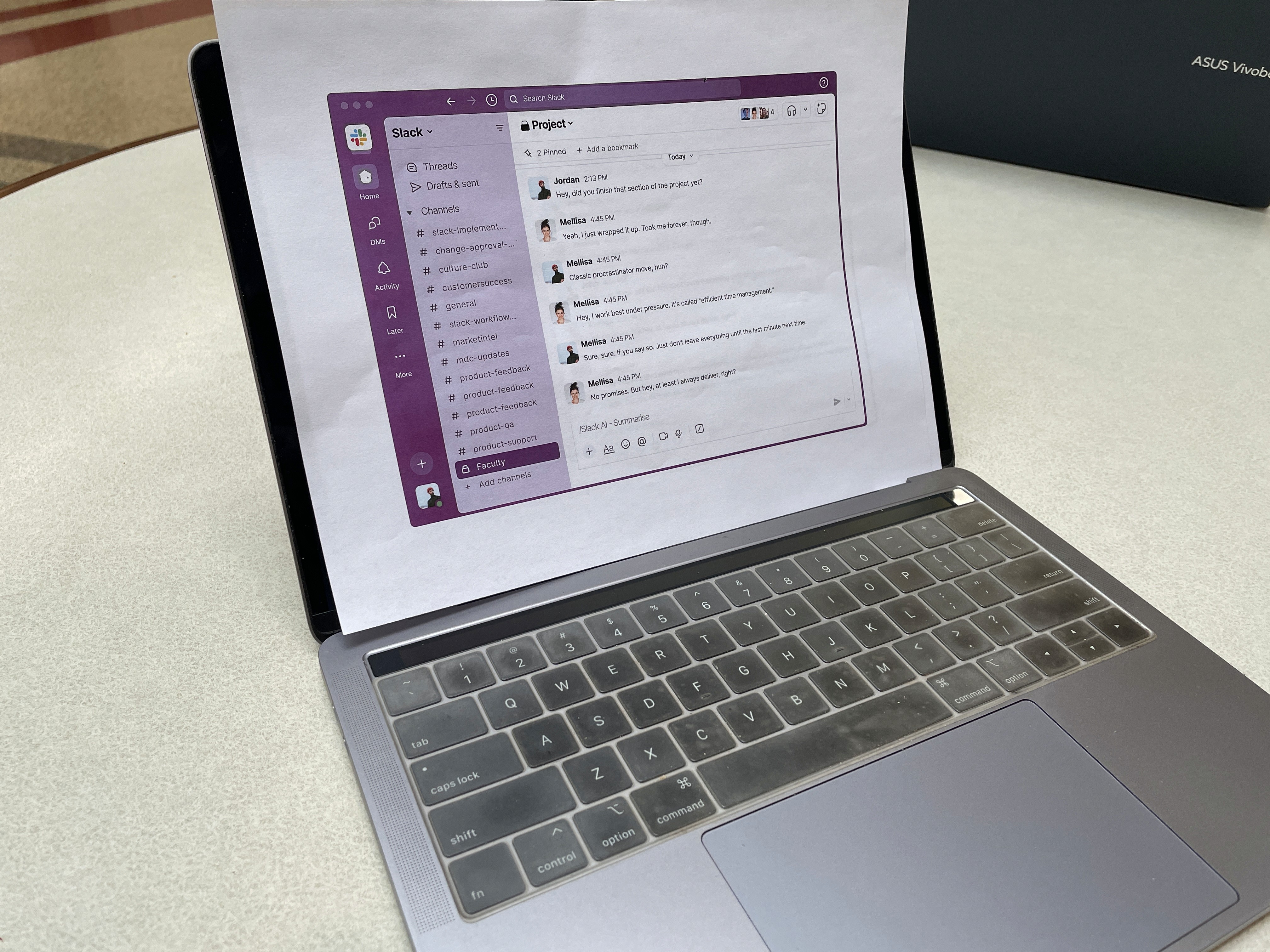
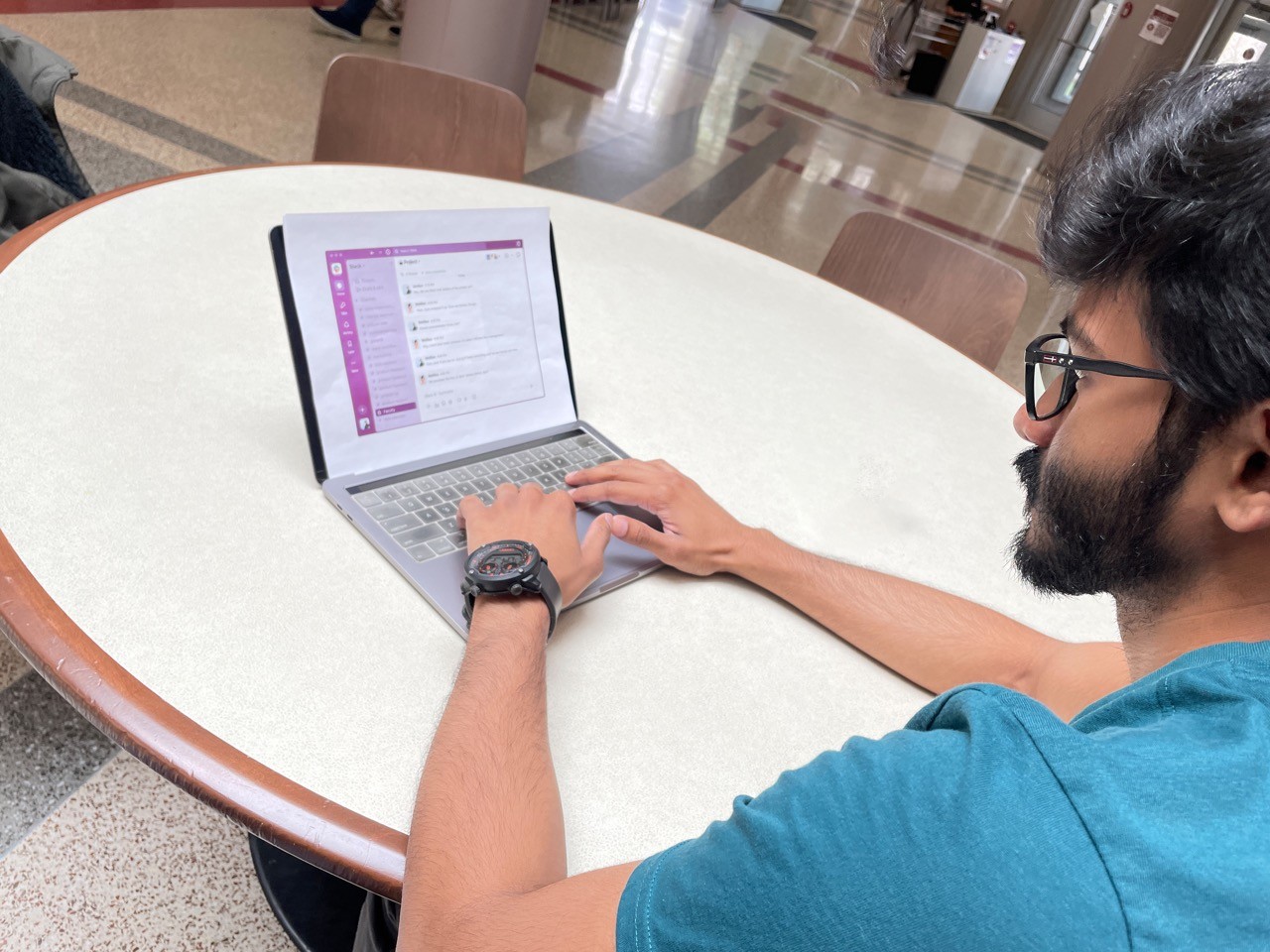
Every concept below went through Wizard of Oz testing with 40 real students before we decided its fate.
Cut
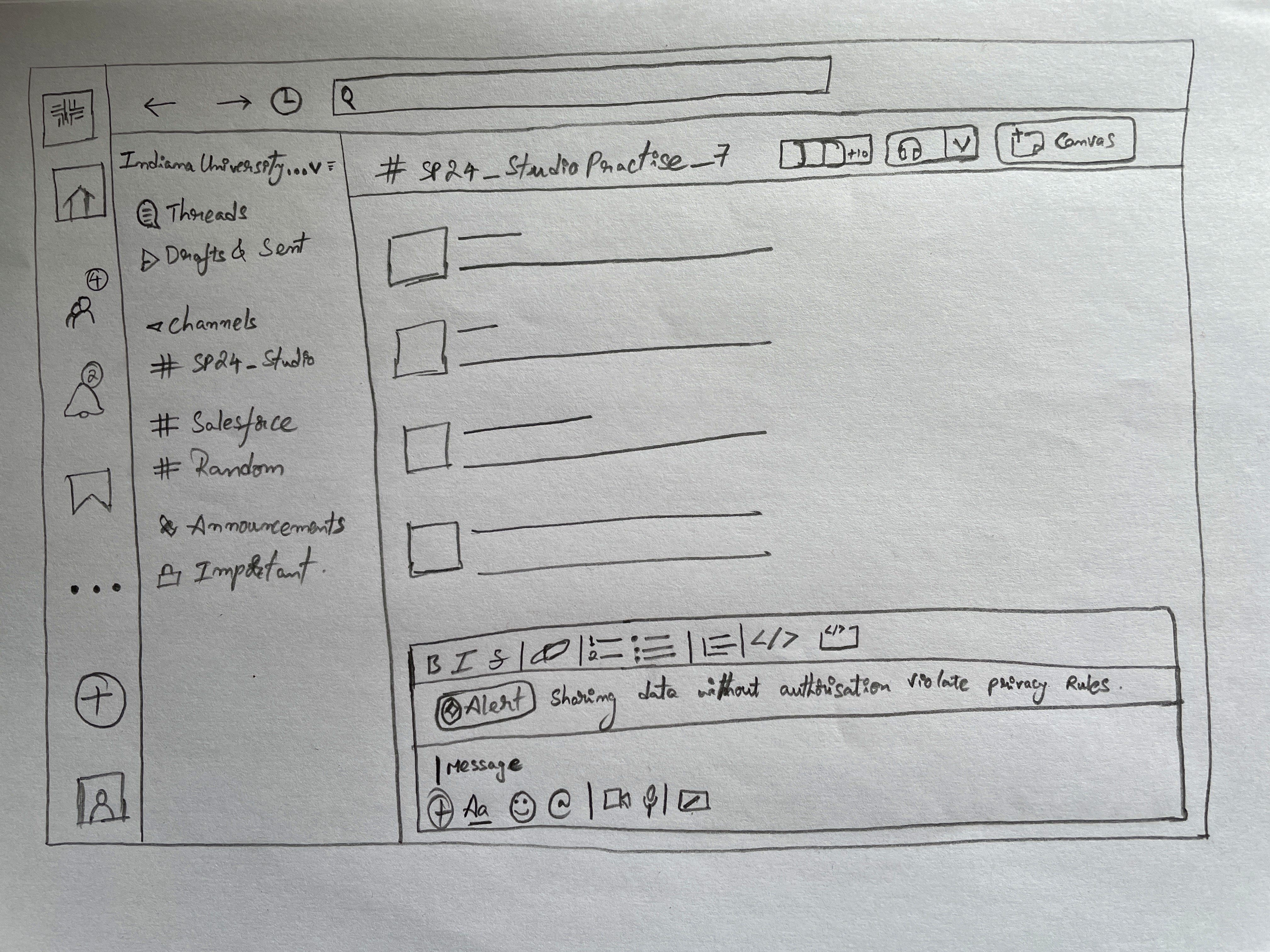
Personal Info Tagging
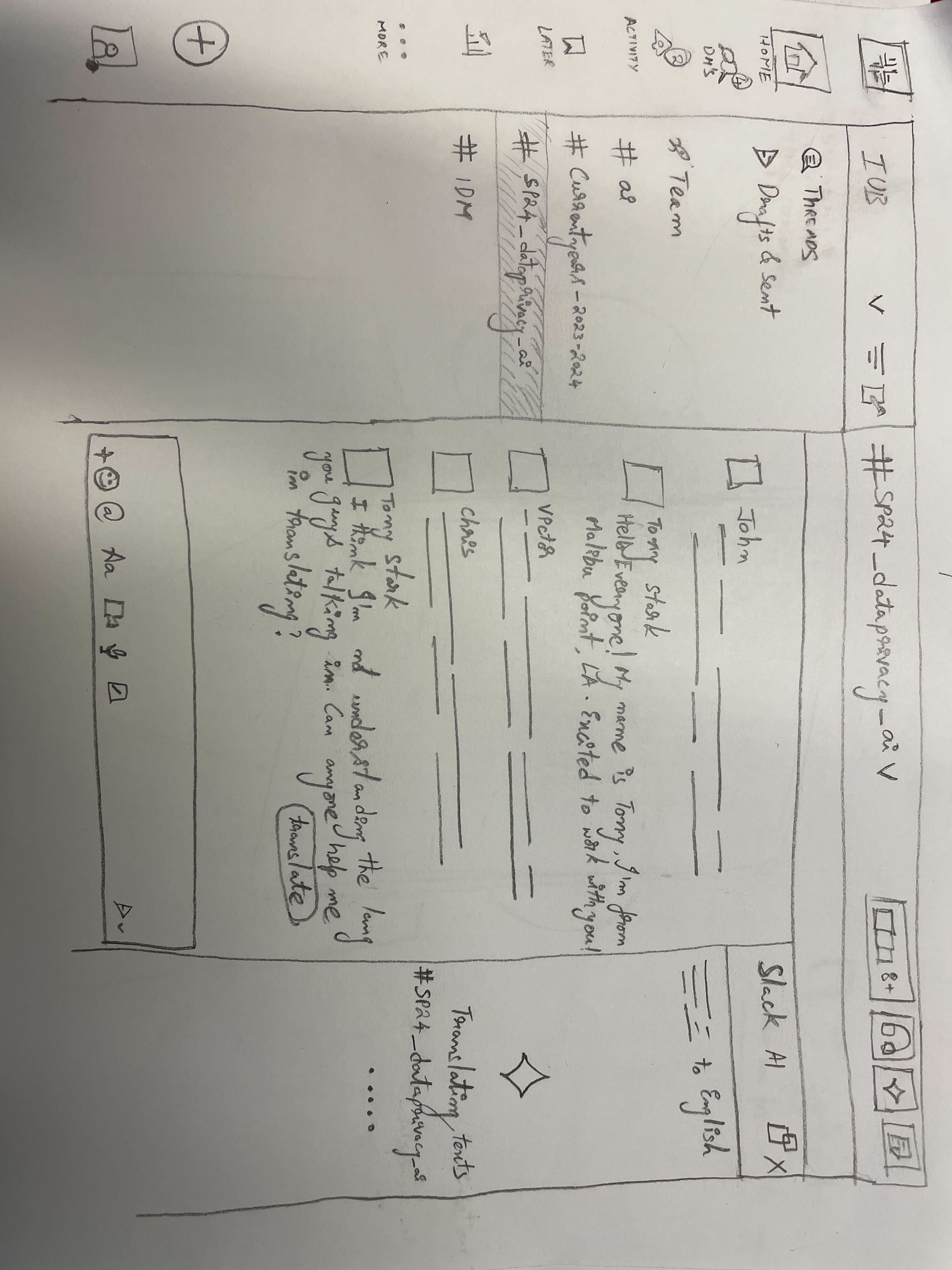
Real-time alerts every time a user typed personally identifiable information, student names, grades, contact details.
"Annoying. It fires on everything. I'd disable it immediately." From User Testing
Envolve
Seriousness Slider
A slider + emoji system to set a channel's "seriousness level" so AI could calibrate its summarisation accordingly.
"What does the emoji mean exactly?" — Ambiguity killed it. Became the Engagement Style dropdown.
Shipped
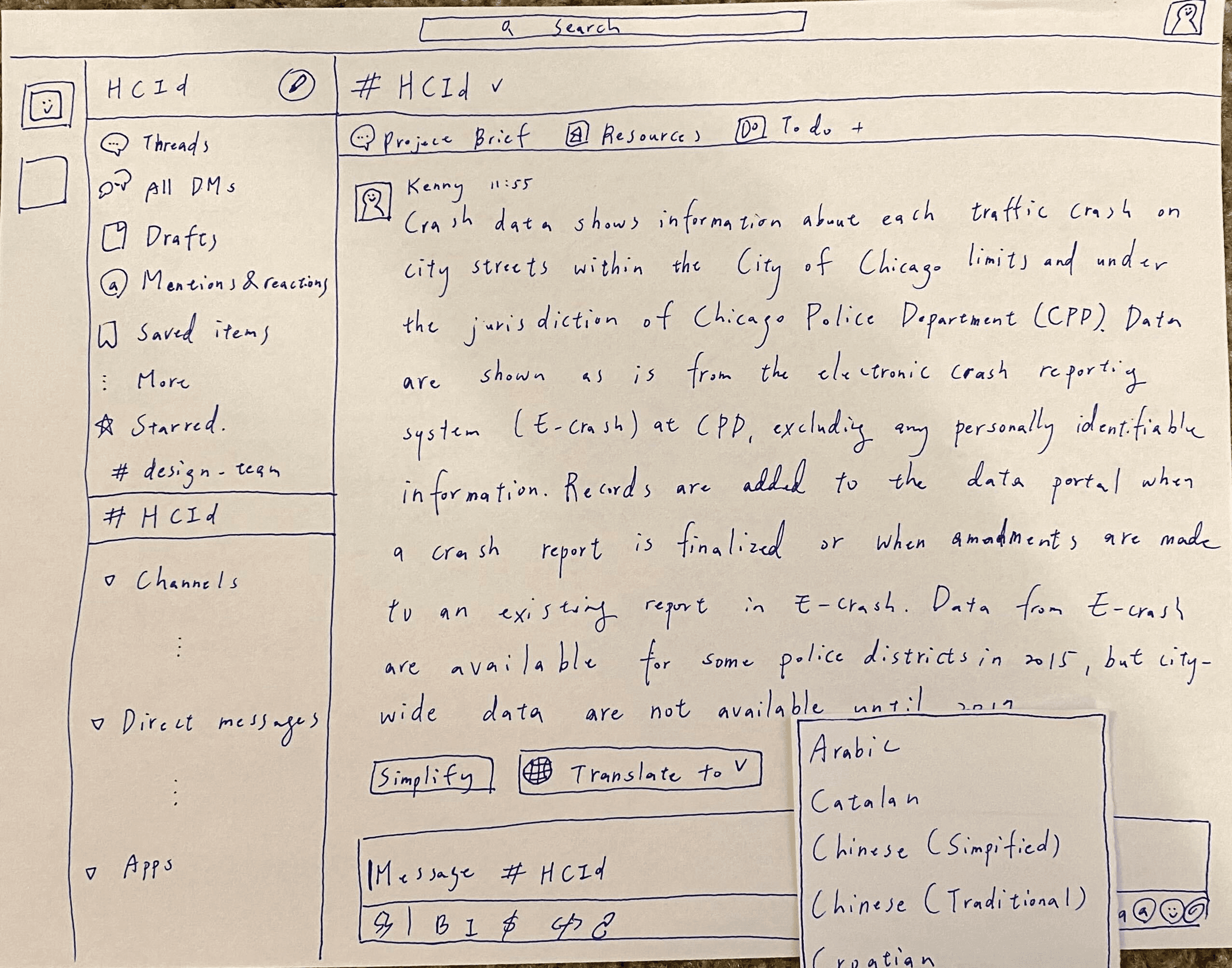
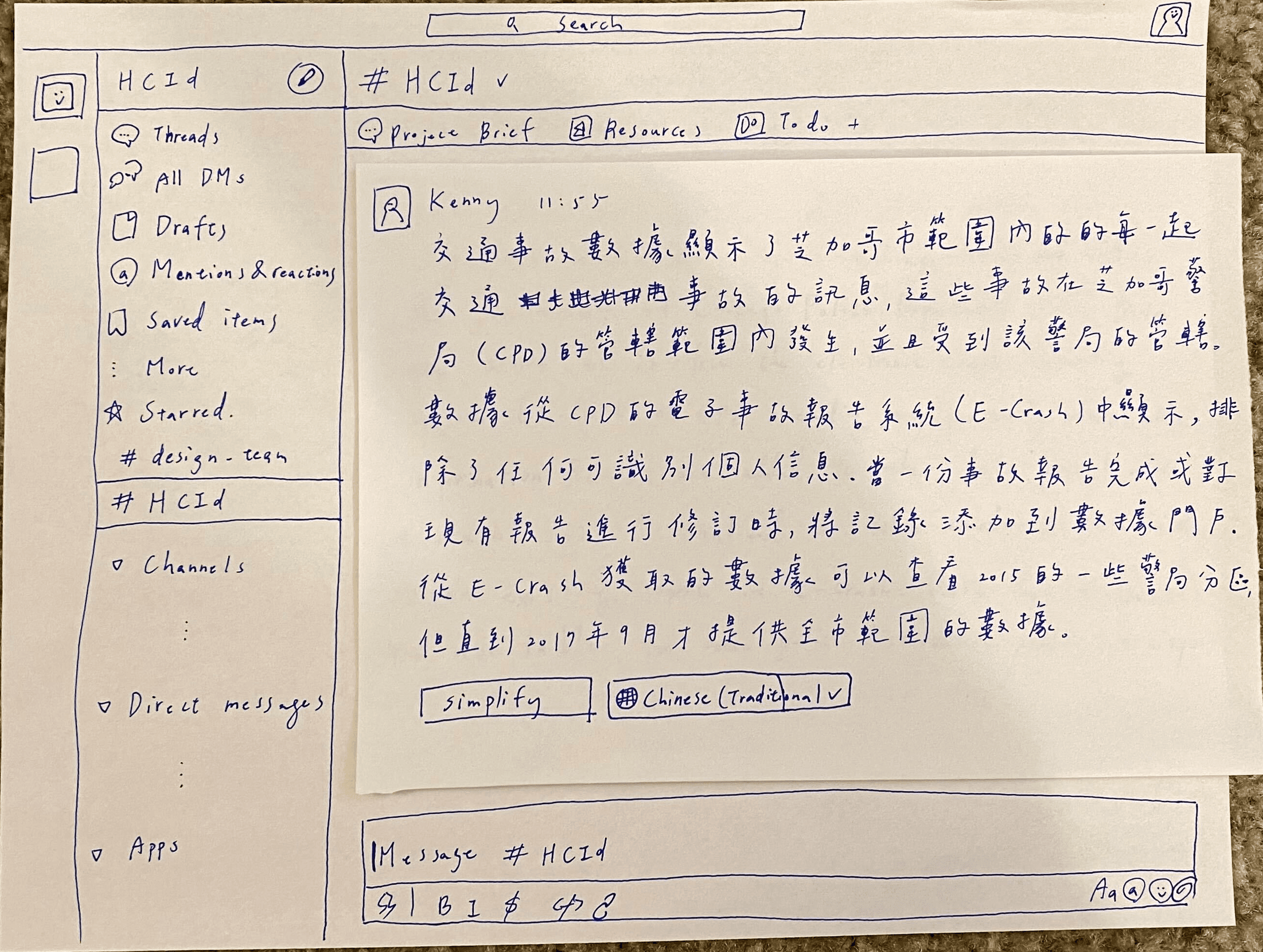
Contextual Training Overlay
Education resources about AI triggers at the moment, not buried in a help page.
"Finally. I know what it's doing and why." — Became core to all 3 final features.
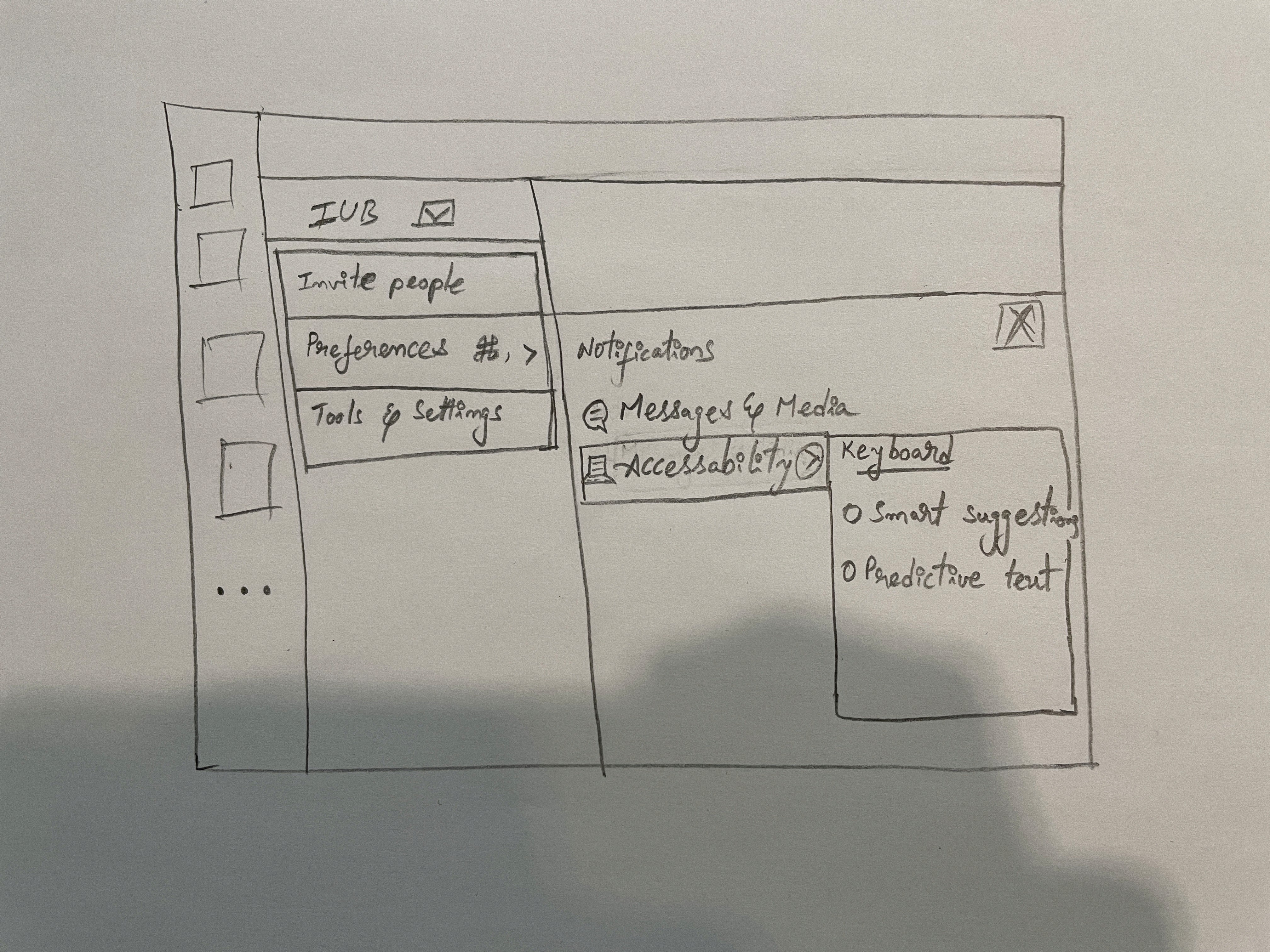
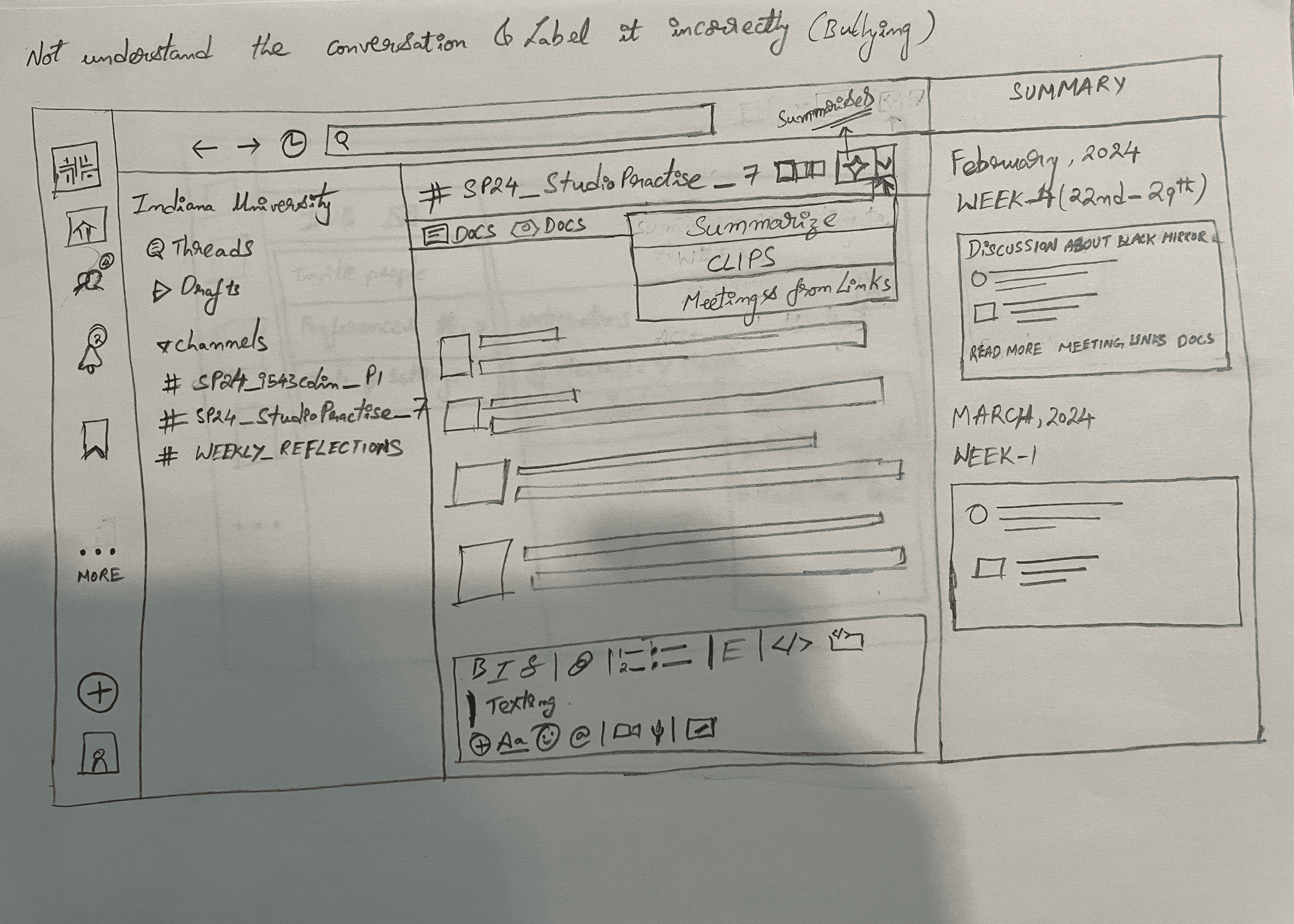
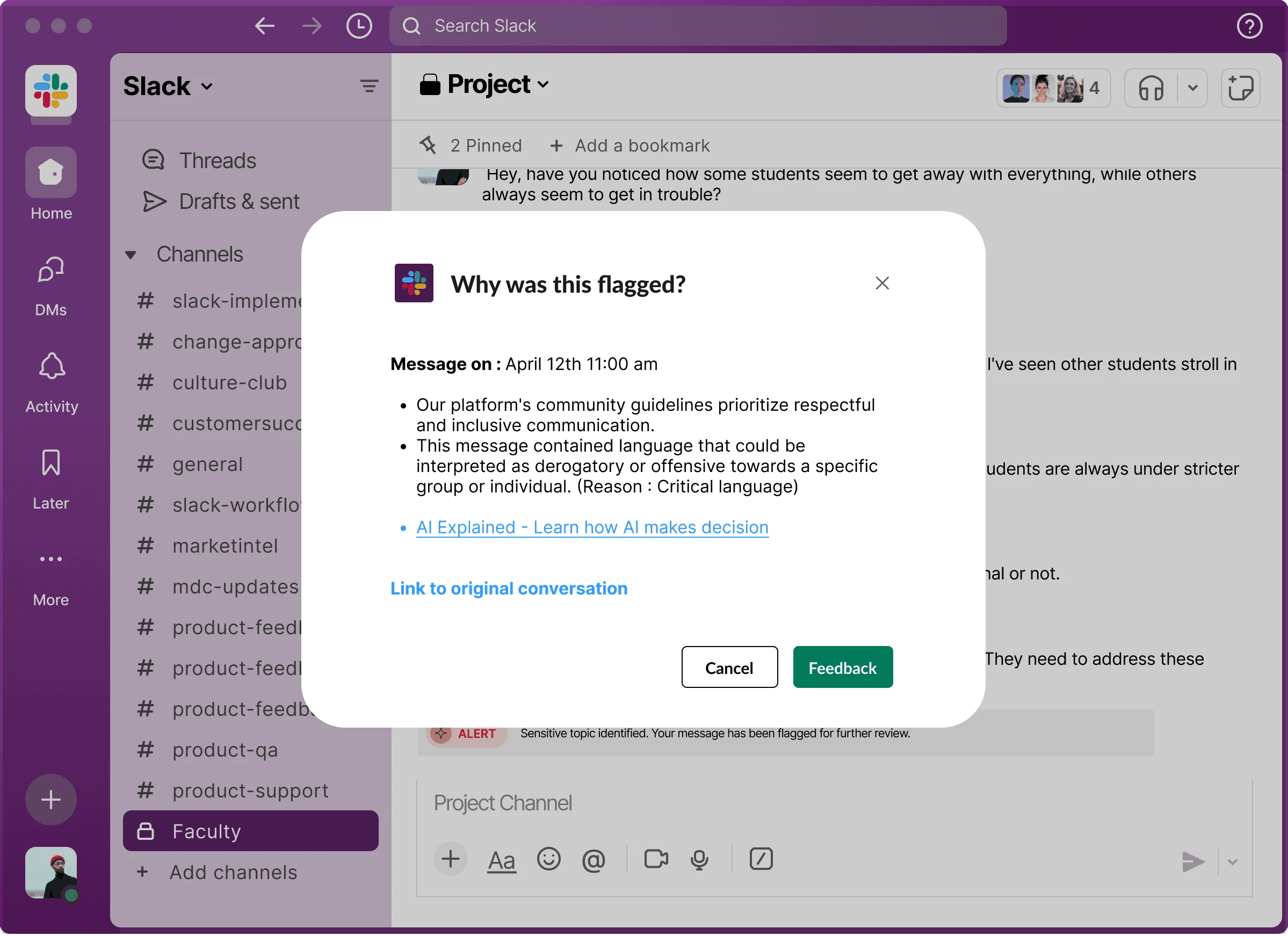
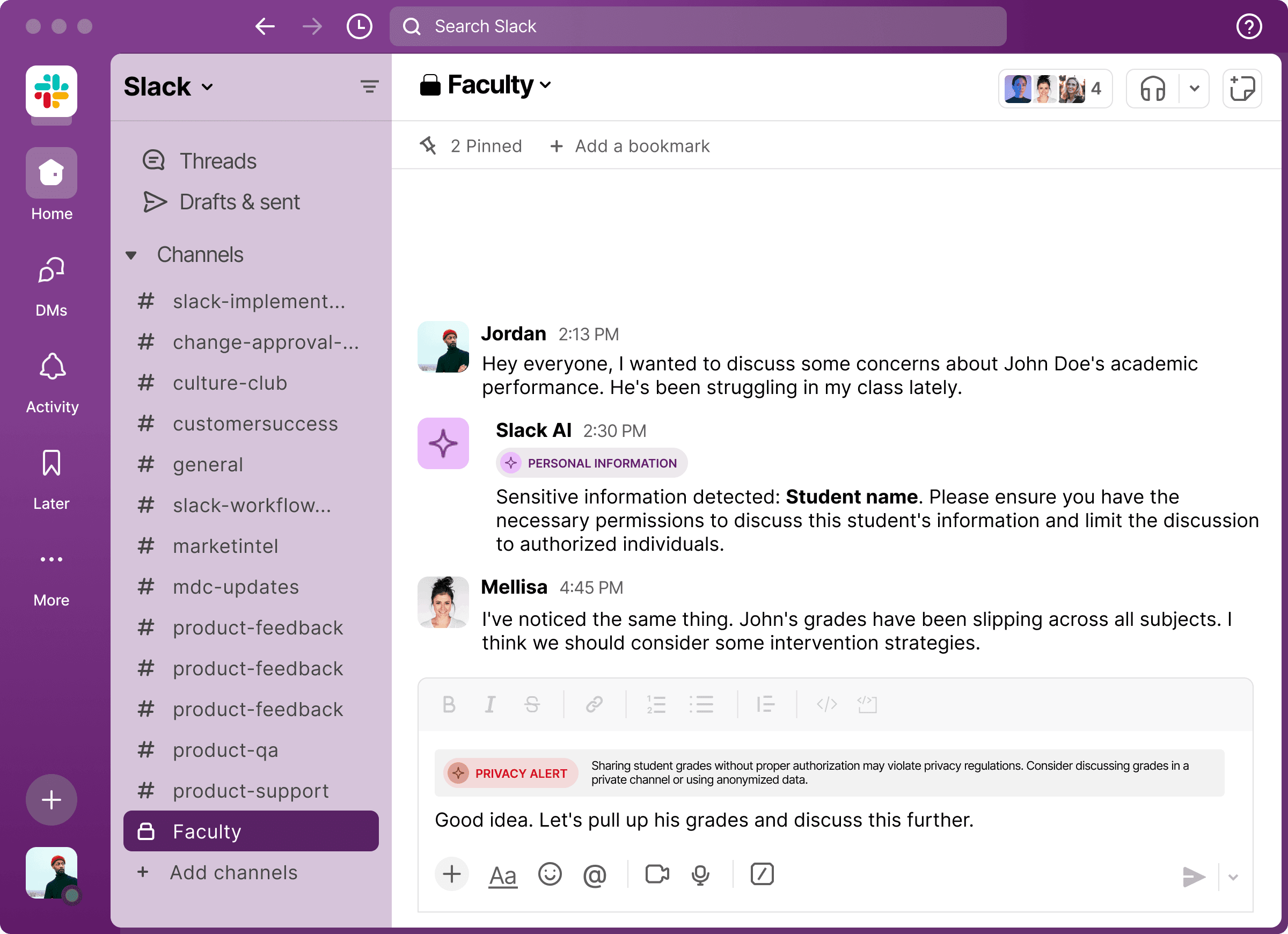
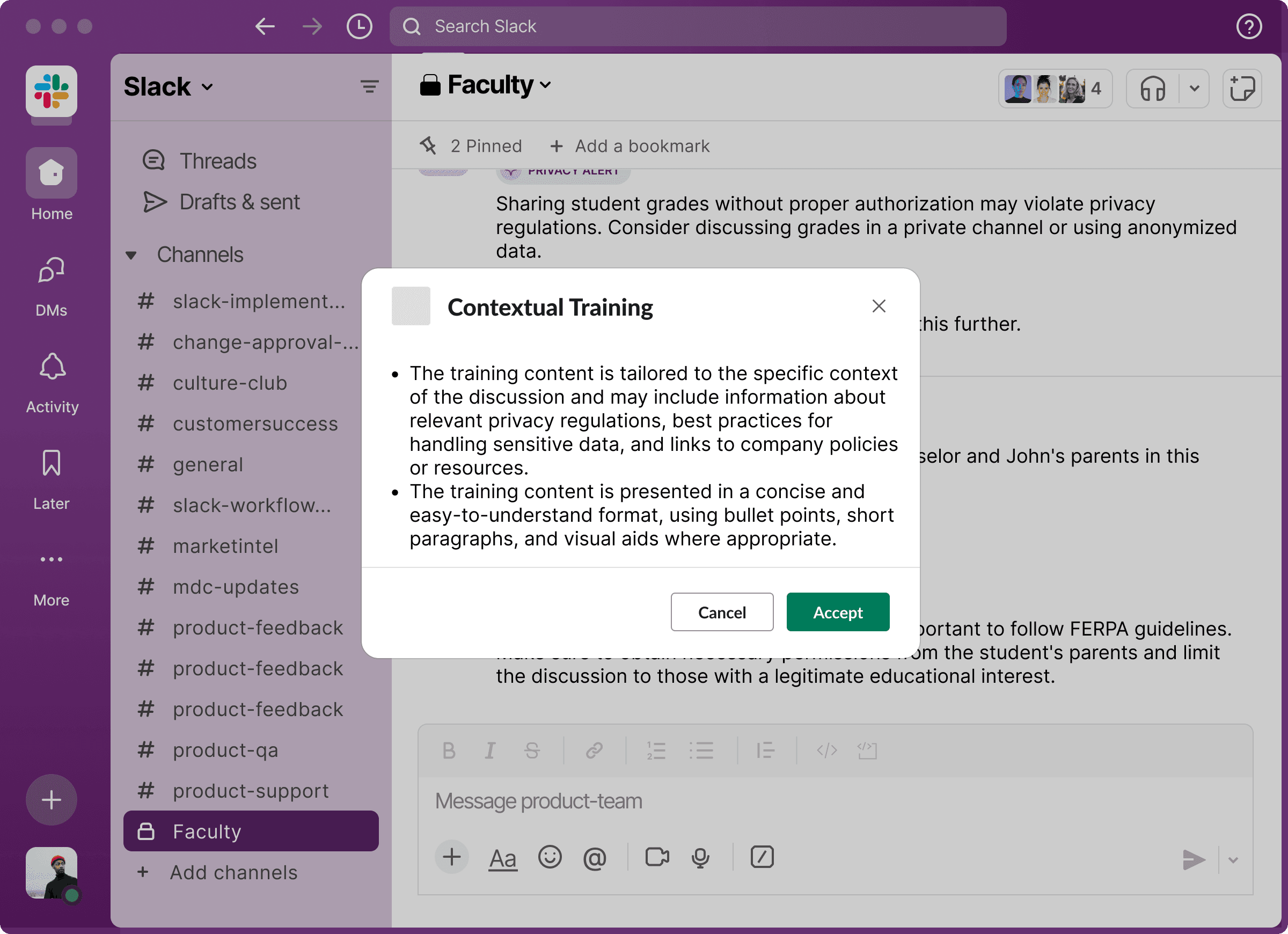
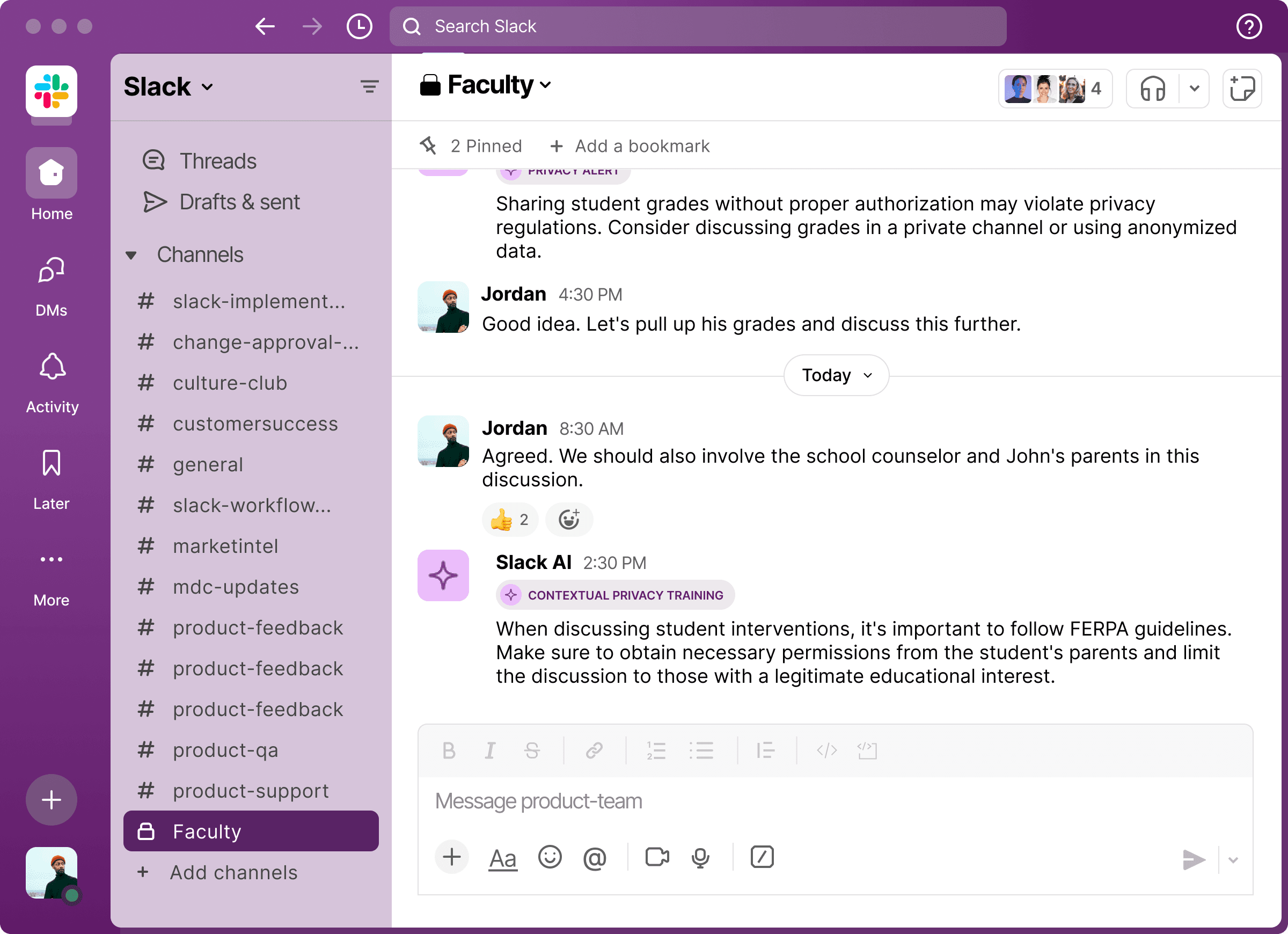
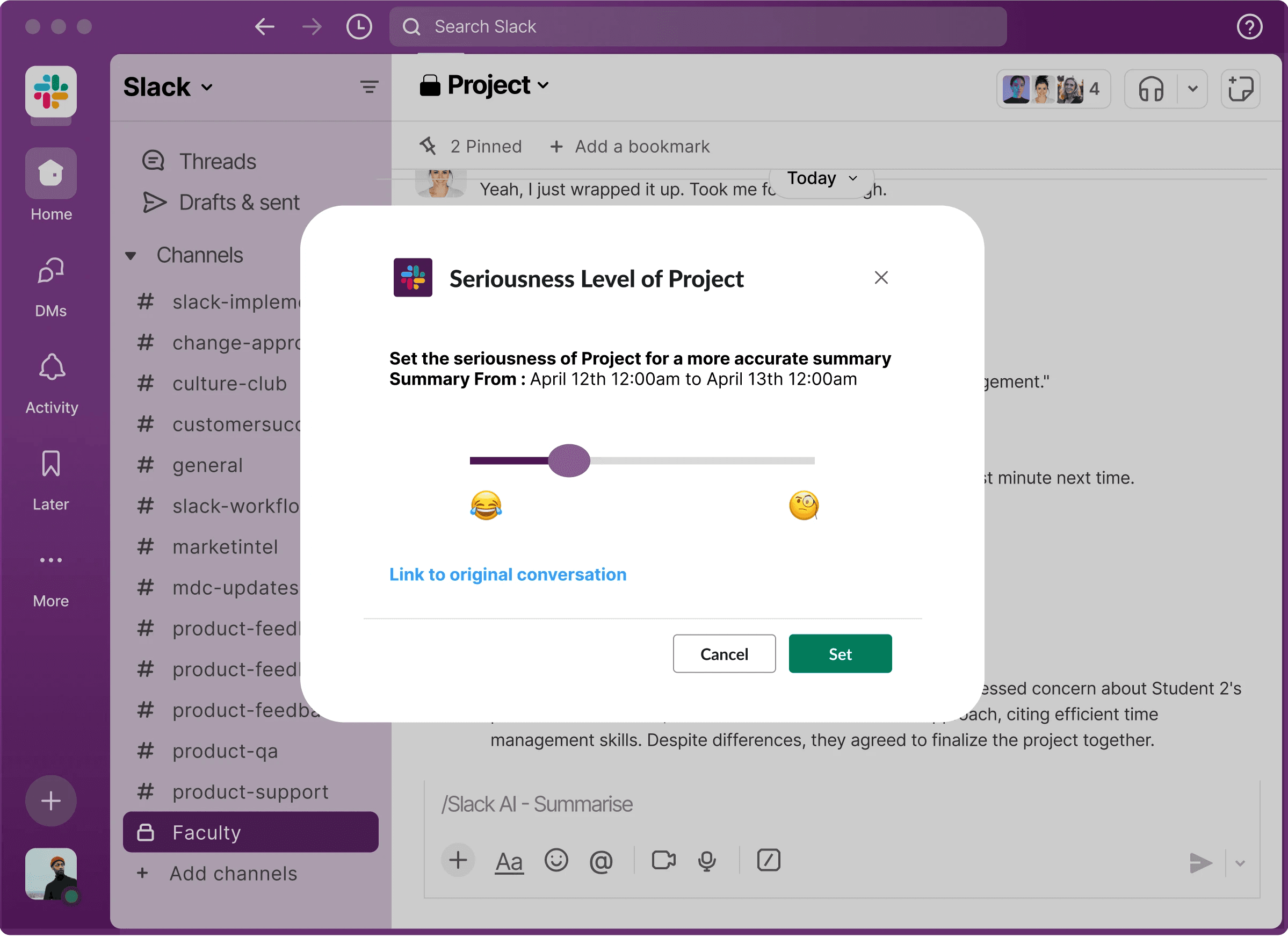
Three Features.
Each feature maps directly to an insight from testing. Nothing assumed.
Everything earned.
"Users weren't afraid of AI. They were afraid of not knowing what it knew."
Testing revealed alerts were triggering on everything, regardless of context. The fix: let users define what matters to them. Alerts become intentional, not noise.
"The alerts are getting triggered for whatever topic, without understanding the context. I'd just turn it off."
"Users were scared to type anything after being wrongly flagged."
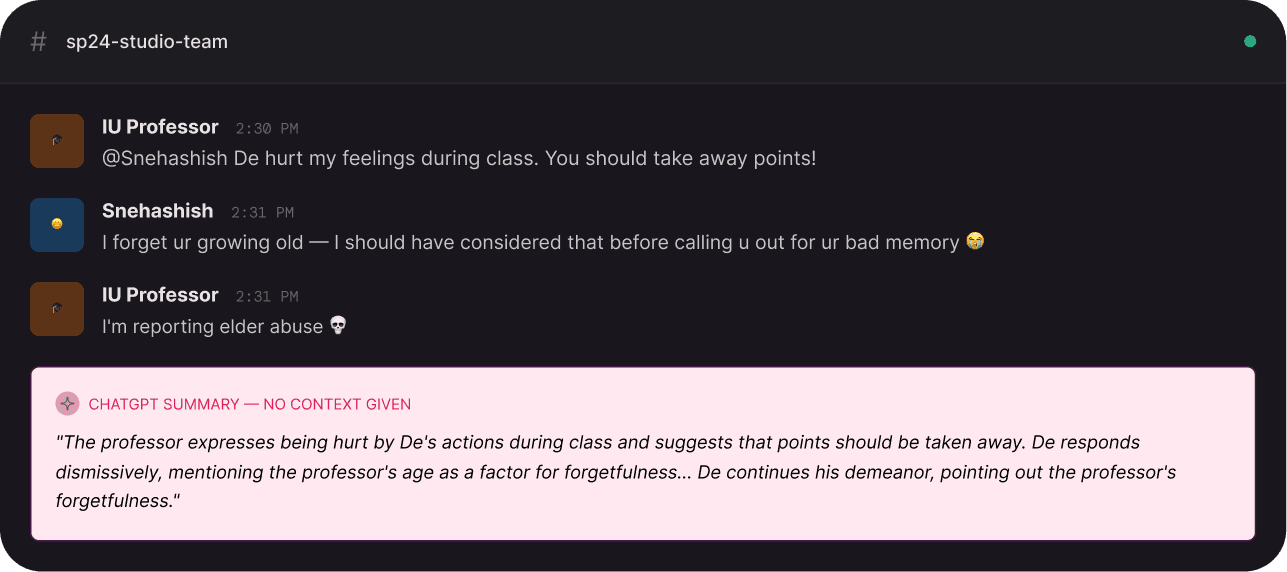
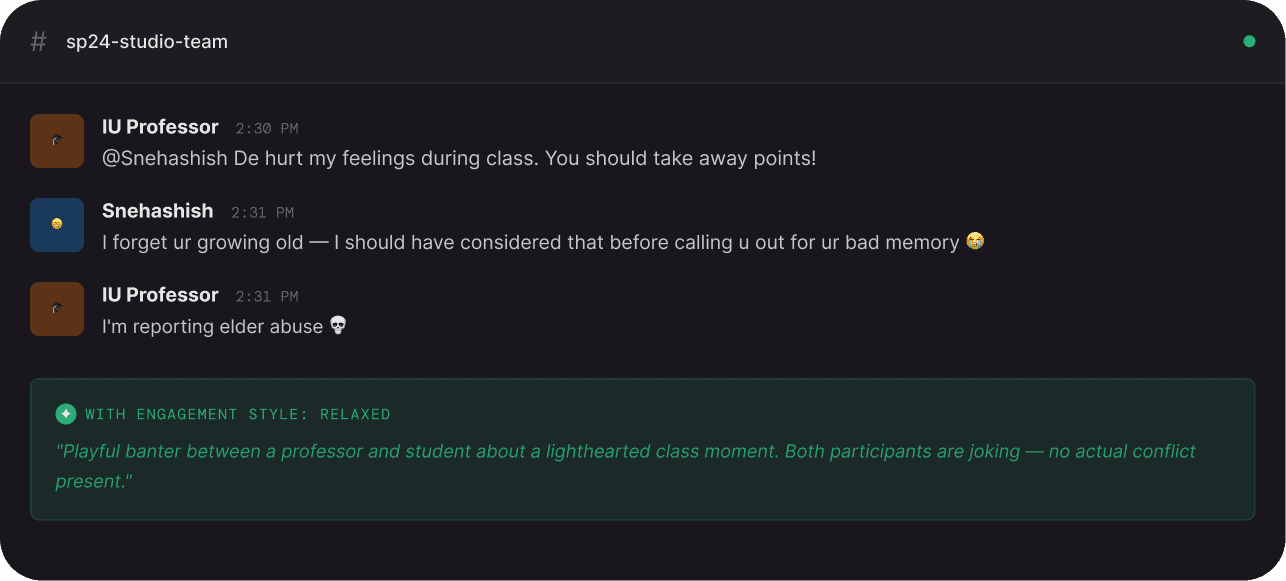
Engagement Style
"The same joke reads as aggressive in a serious channel, and friendly in a relaxed one."
Testing broke our assumption. Alerts were firing on everything, frustrating users. So I rebuilt the feature from scratch,
making alerts user-defined, not AI-assumed.
Every component we shipped had to feel like it could have come from Slack's own product team. Same tokens. Same interaction grammar.
Same component anatomy.
Aubergine
#4A154B
Green
#2BAC76
Red
#E01E5A
Yellow
#ECB22E
Blue
#36C5F0
Dark Canvas
#1D1C21
Zero custom colors across three features. Every token is Slack's existing semantic palette, used exactly as intended. A design system audit would find nothing unexpected.
Added Step 3 to Slack's 2-step channel creation modal using their exact dialog component. Same container, button pattern, step counter. One new concept, zero structural deviation.
Consciously chose not to introduce new icons. Every icon is from Slack's existing set. In a real sprint, new icons require a design system team review, we understood this.
System Label · 700 · 11px · All-caps
⚠ PRIVACY ALERT
Between alert label and body
Between radio options
Border radius all overlays
Between radio options